
AetherSX2
Screenshots
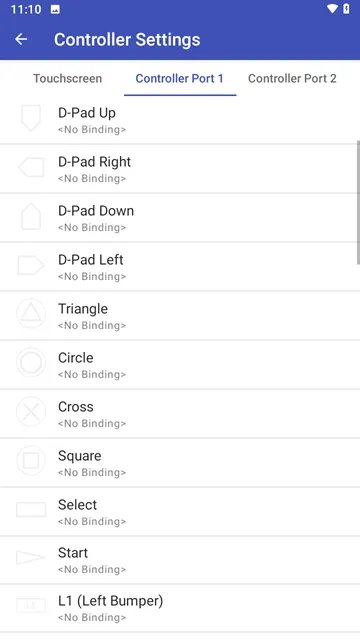
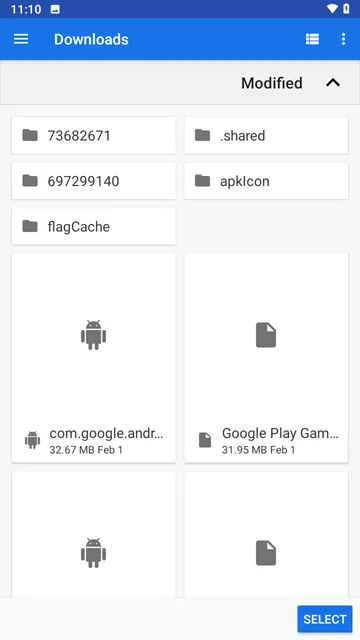
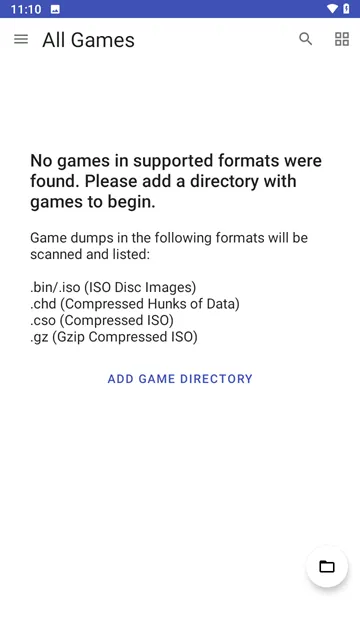
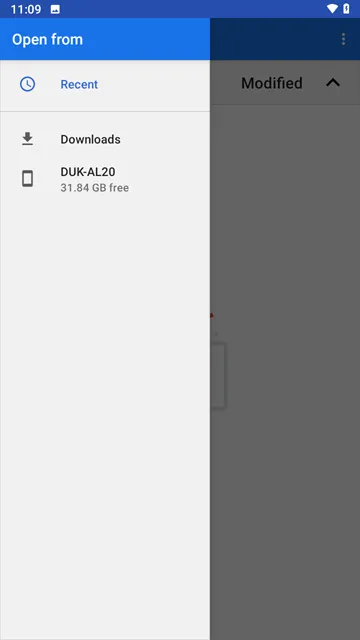
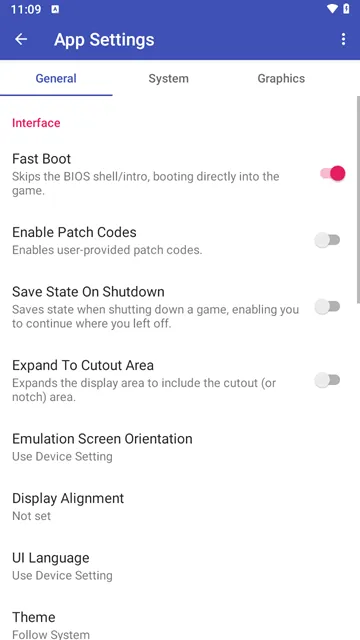
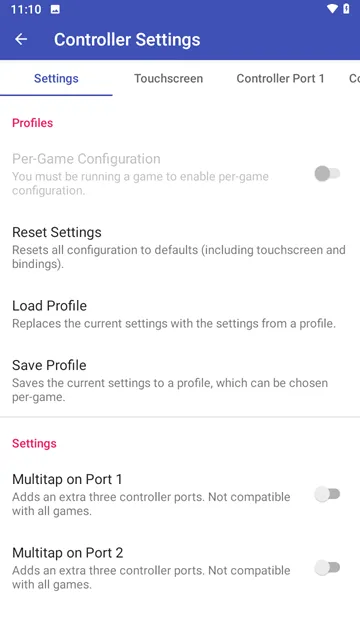
AetherSX2 For Android lets you play PlayStation 2 games on your phone. It is a free emulator. You no longer need a bulky console or a TV. Now, you can enjoy your favorite PS2 titles anywhere. This app changes how you experience classic games. It turns your Android device into a portable retro gaming machine.
What Is AetherSX2 For Android?
AetherSX2 is a software application. It mimics the PlayStation 2 hardware. Your Android phone or tablet then runs PS2 games directly. You do not need a powerful PC anymore. The emulator uses your device’s processor and graphics unit. It reads game files called ISOs or ROMs. You must provide your own game copies. The app does not include any games. It is completely legal to use if you own the original discs. Many gamers love this tool because it revives old favorites.
The interface feels clean and simple. You can load games from your internal storage or SD card. The app saves your progress just like a real memory card. You can also adjust controls, graphics, and sound. Everything happens on one small screen. For the first time, PS2 games feel truly mobile.
How To Set Up AetherSX2 Quickly
Setting up AetherSX2 takes only a few steps. First, download the APK from Filetomob.com. Install it on your Android device. Then, open the app. It will ask for storage permission. Grant this permission so the app can find your game files. Next, place your PS2 BIOS file in a folder. The BIOS is a system file from a real PS2. You must dump it from your own console. The emulator needs this to run games correctly.
After the BIOS is ready, load your game ISO. Tap the “Add Games” button. Choose the folder where your games are stored. The app scans and lists all playable titles. Tap any game title to start playing. You do not need to tweak settings right away. The default configuration works for many games. However, you can change graphics, controller layout, and audio later. For best results, use a device with a Snapdragon 845 or newer chip.
Key Features You Will Use Most
AetherSX2 offers many useful features. Here are the most important ones:
- Save states: Save your game at any moment. Then, load that exact point later. This works even if the game does not have save points.
- On-screen controls: Buttons appear on your touchscreen. You can resize and reposition them. Connect a physical controller via Bluetooth if you prefer.
- Graphics upscaling: Render games at 2x or 3x original resolution. This makes PS2 games look sharper on modern phones.
- Fast forward: Speed up slow parts of a game. Hold the fast forward button to skip long cutscenes or travel sequences.
- Cheat support: Enter cheat codes directly into the emulator. This works like old GameShark or Action Replay devices.
Additionally, you can remap controls for each game. Some games work better with custom button layouts. The app also supports widescreen patches. These patches stretch the image to fill your full screen.
Performance Tips For Smooth Gameplay
Not all Android devices run AetherSX2 perfectly. Therefore, you need to optimize settings. Start by lowering the internal resolution. Set it to 1x for older devices. Increase it slowly until you see lag. Use the “Skip Presenting Duplicate Frames” option. This reduces stuttering in many games. Turn off hardware readbacks when possible. That setting often slows down performance.
For heavy games like Shadow of the Colossus or Gran Turismo 4, try these changes:
- Switch the renderer to Vulkan instead of OpenGL.
- Enable “Threaded Presentation” for better frame pacing.
- Set “GPU Palette Conversion” to off.
- Reduce the “VSync” interval to 0.
Moreover, close background apps before launching AetherSX2. Free up RAM and CPU power. Keep your phone cool while playing. Heat causes thermal throttling, which drops performance. A small cooling fan or playing in short sessions helps.
Which Games Work Best On AetherSX2?
Many popular PS2 games run at full speed. For instance, Final Fantasy X works almost flawlessly. Persona 4 runs smoothly on mid-range phones. Kingdom Hearts, God of War, and Metal Gear Solid 2 also perform well. On the other hand, some games still have issues. Jak and Daxter, Ratchet & Clank, and Sly Cooper may show glitches. These titles use unusual rendering techniques. The developers continue improving compatibility each month.
Action games benefit most from the emulator’s speed. Turn-based RPGs are also great because timing matters less. Racing games need consistent 60 FPS, so a stronger phone is necessary. Before downloading a large game file, check online compatibility lists. Many communities track which games crash or lag.
Final Thoughts
AetherSX2 For Android is a breakthrough for mobile gaming. It brings a massive PS2 library to your pocket. You can replay childhood favorites without hunting for old hardware. The app is free, open source, and actively updated. Setup is straightforward for anyone who reads basic instructions. Performance continues to improve with every new version.
Nevertheless, you need realistic expectations. Not every game runs perfectly. Some titles require tweaking. High-end phones work best. Still, for most players, AetherSX2 delivers an awesome experience. Download it today and rediscover the golden age of PlayStation 2.